
You know the sound. The host is crisp and warm, clearly on a real microphone – and then the guest speaks, and suddenly it’s 2009: compressed, robotic, underwater, occasionally freezing mid-word. The listener’s brain quietly files the show under “amateur,” even if the conversation is brilliant.
Remote interviews are unavoidable. Your best guests are in Abuja, London, Houston, or simply on the other side of the Third Mainland Bridge with no plans to cross it. But remote sound is completely fixable o. Here’s how shows that sound professional do it.
Why remote guests sound bad (it’s not their voice)
When you record a normal video call, you’re recording audio that has been squeezed through the internet in real time, which is compressed hard, degraded by every network hiccup, and processed by the call app’s noise suppression. You’re recording the transmission, not the person.
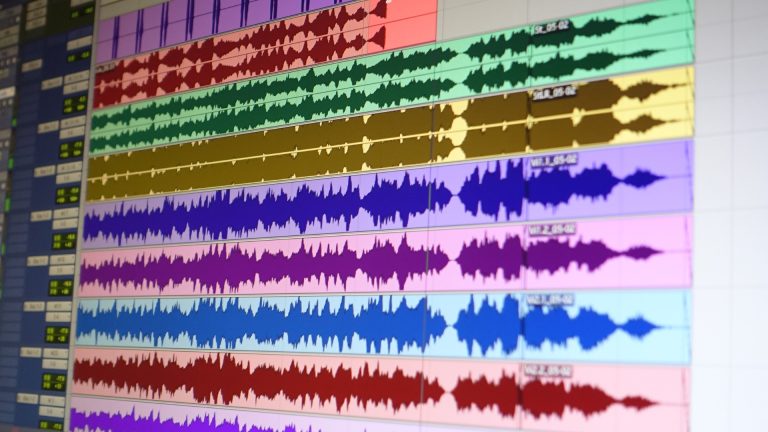
The solution to this problem in remote podcasting is called the double-ender: record each person locally, on their own device, at full quality, while you talk over the call. The call is just for conversation; the recording happens at each end. Afterward, you combine the clean local files. The internet’s sins never touch the final episode.
The three ways to do a double-ender
1. Remote recording platforms (the standard). Tools like Riverside, SquadCast, and Zencastr run in the browser: you send the guest a link, talk as if on a normal video call, and the platform records each participant locally, uploading in the background. Studio-quality both ends, minimal guest effort. This is what most professional remote shows use, and the per-month cost is modest.
One Lagos-specific note: these platforms upload continuously, so the guest needs reasonably stable data. The good ones upload progressively and recover from drops – but tell guests to be on their best network or Wi-Fi, not hotspotting from a moving Uber. We’ve seen that go wrong.
2. The manual double-ender (free, bulletproof). The guest records themselves with a voice memo app or any recorder on their end while you talk over WhatsApp or Zoom; they send you the file afterwards. Combine in your edit. Clunkier – you must trust the guest to press record (have them do a test) and to actually send the file – but it costs nothing and survives terrible internet, because nothing needs to upload live.
Pro move for both methods: have everyone clap once on the call at the start. The clap appears in every recording and makes syncing the files trivial.
3. The hybrid studio (the premium experience). You and any in-person guests record in a proper setup – real mics, console, monitored levels – while the remote guest joins via a platform or even a phone call routed into the console (podcast consoles like the Rodecaster take calls as a channel). The in-room side sounds immaculate; the remote side is as good as their setup allows. This is how panel shows handle the one guest who couldn’t make it.
Upgrading the guest’s end
Local recording removes the internet from the equation, but the guest’s room and mic still matter. You can dramatically improve their side with one polite pre-call message:
“Quick checklist for tomorrow – wired earphones if you have them (stops echo), sit somewhere with soft furnishings (bedroom beats kitchen), phone on Do Not Disturb, and fan/AC off if bearable for 40 minutes.”
That’s it. Earphones prevent the echo of your voice re-entering their mic; a soft room kills the bathroom reverb (the same acoustics logic as always); silence the obvious interrupters. A guest on free earphones in their bedroom, recorded locally, sounds shockingly good.
For recurring co-hosts or VIP guests, go further: courier them a simple USB mic, or, if they’re in Lagos, we can deliver a single-person rental kit to their location for the session, which turns a remote guest into a studio-quality guest for one modest rental fee.
Your end still carries the show
A clean remote guest exposes a weak host setup. Your side should be the full standard chain – broadcast dynamic mic, proper gain, headphones on (non-negotiable for remote work, since you must hear the call and your own recording) – as covered in the podcast equipment checklist. Monitoring discipline matters double here: half of the classic gear mistakes get amplified when a remote connection is involved.
The workflow, start to finish
Day before: send the guest checklist; agree the platform; do a two-minute tech test if the guest is high-stakes.
On the day: everyone joins five minutes early, confirm local recording is running at both ends, clap for sync, then relax and talk – knowing that even if the call glitches mid-interview, the local recordings are clean. After: collect files, sync on the clap, balance levels, publish something that sounds like both people were in the same room.
That last part is the magic. Done right, a Lagos-to-London interview is indistinguishable from two chairs in one studio – and if you’re producing a video podcast, the same platforms capture each camera locally too.
Recording remote episodes and want them to sound like the big shows? We’ll help you pick the platform, spec your host-side kit, or deliver gear to a Lagos-based guest. Message 527 Sounds on WhatsApp and tell us about your show.